
Numbers are checked
Every translation is checked in the background. If a dose, unit, date, time, allergy, left or right, or a “no” has changed, a red card shows what was said, what the patient heard and the corrected sentence, ready to read out.
For hospitals and clinics
Registration, symptoms, allergies, the way to the right department. With Turnspeak, reception staff and patients talk face to face in 31 languages, on one phone that lies between them.


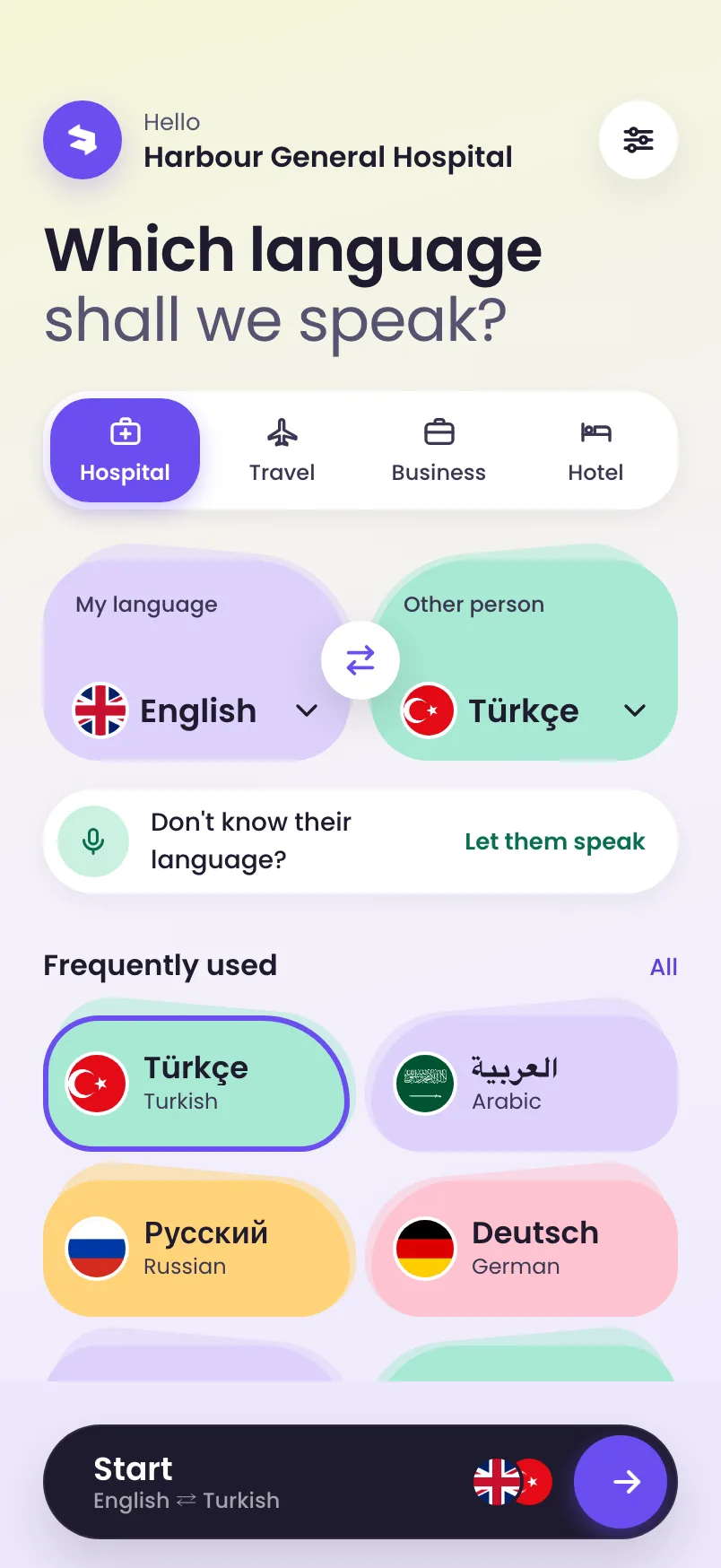

It tunes the words for clinical conversations and brings prepared phrases for reception.
Tap one of your six most used languages, or hand over the phone and let them speak: Turnspeak names the language.
The patient hears you in their language and reads it on their half of the screen, turned towards them. They answer the same way.
Every translation is checked in the background. If a dose, unit, date, time, allergy, left or right, or a “no” has changed, a red card shows what was said, what the patient heard and the corrected sentence, ready to read out.
Under your own words, Turnspeak shows how the patient heard them, translated back into your language.
Not sure what the patient speaks? Hand over the phone. They say one sentence, and Turnspeak names the language.
The microphone listens only while a button is held. Turnspeak stores no audio and no text. Both people read a short privacy notice in their own language before they start.
On a shared desk phone, the conversation clears itself after a few minutes without use, so the next patient starts fresh.
Add the sentences your desks need, such as the pharmacy floor or visiting hours. Turnspeak translates them into every language and checks them before they appear.
Translated into all 31 languages and checked in advance. One tap and the patient hears the phrase in their language. Organisations can add their own.
Turnspeak helps with everyday conversations at the desk. It uses artificial intelligence, and translations can contain mistakes. For consent, diagnosis and treatment decisions, work with a qualified medical interpreter.
No. Staff use Turnspeak on a desk phone or their own phone, and the patient talks into the same phone. If you give a patient their own code, scanning its QR opens Turnspeak in their phone’s browser.
No conversation audio or text is stored by Turnspeak. The conversation stays on the phone until staff start a new one. Turnspeak keeps only access codes, staff accounts and counts of minutes and languages. Details are in the privacy policy.
31 languages, including Arabic, Turkish, Russian, Ukrainian, Persian, Urdu and Albanian. See all languages.
No. It helps with everyday conversations at the desk, such as registration, directions and the questions reception asks every day. For consent, diagnosis and treatment decisions, use a qualified medical interpreter.
Tell us about your hospital. You get a panel to create access codes and QR cards for desks and patients, add your logo and your own phrases, and see which languages your desks use.
For hospitals, hotels and companies
Your own access codes and QR cards, your logo in the app, your prepared phrases in every language, and a panel that shows which languages your desks speak.